How to Buy AI GPU Servers for Production
 •
Workstation Hardware Research
•
Updated October 8, 2026
•
7 min read
•
Workstation Hardware Research
•
Updated October 8, 2026
•
7 min read
Performance intelligence for workstation buyers.
Buy AI GPU servers with confidence: compare workload fit, GPU topology, power, support, lead times, and commercial terms before placing an order now.
A GPU server that looks impressive on a specification sheet can still be the wrong purchase if its memory capacity, network design, power requirements, or support terms do not match the deployment. Organizations planning to buy AI GPU servers should treat the decision as infrastructure procurement, not simply a graphics card purchase. The correct platform is the one that supports a defined workload reliably, fits the facility, and arrives with a confirmed configuration and accountable commercial terms.
Start With the Workload, Not the GPU Name
The first purchasing question is not whether a server contains the newest accelerator. It is what the system must do after delivery. AI inference, model training, fine-tuning, simulation, visual computing, and data analytics create very different demands on GPU memory, interconnect bandwidth, CPU resources, local storage, and networking.
For inference serving, memory capacity and predictable throughput are often more relevant than peak floating-point performance. A platform running several models or handling many concurrent requests may benefit from multiple GPUs, high-bandwidth networking, and sufficient system memory to keep data pipelines moving. For smaller edge or departmental workloads, a compact server with one or two professional GPUs may provide a more practical balance of cost, power draw, and serviceability.
Training and fine-tuning place greater emphasis on GPU-to-GPU communication, aggregate memory, storage performance, and network scale. Large models can be limited by memory before compute performance becomes the issue. Buyers should determine whether the intended model fits on one GPU, must be distributed across several GPUs, or will eventually require a cluster. That answer affects the server chassis, GPU topology, network adapters, switch compatibility, and expansion plan.
A concise workload brief should identify the model types, expected dataset size, target users or jobs, preferred frameworks, utilization period, and expected growth over the next 12 to 24 months. This gives a supplier enough information to recommend a configuration rather than offering a generic high-end system.
What to Confirm Before You Buy AI GPU Servers
Professional GPU systems are configurable products. The same server model may be delivered with different processors, GPU counts, memory kits, drive layouts, network cards, rail kits, operating systems, and warranty conditions. Do not assume that a product image or a headline specification represents the exact unit available for shipment.
Before issuing a purchase order or completing checkout, obtain product-specific confirmation covering the following points:
- Exact GPU manufacturer, model, quantity, memory per GPU, and whether units are new, unused, refurbished, or used.
- CPU model, installed system memory, storage type and capacity, RAID or boot configuration, and installed network interfaces.
- Chassis format, dimensions, weight, rail or mounting accessories, power supply rating, and required input power.
- Included software, firmware status, operating system option, management licenses, and any required accessories or cables.
- Warranty coverage, support process, estimated lead time, shipping method, delivery terms, and destination-specific import requirements.
These details protect the buyer from a common procurement failure: approving a budget based on an attractive base configuration, then discovering that production-ready storage, high-speed networking, or installation accessories are excluded.
GPU Memory Is a Capacity Decision
GPU memory determines what can be loaded, trained, or served without excessive model partitioning, quantization, or host-memory offload. More memory is not automatically the best value, but insufficient memory can sharply limit usable model sizes and batch sizes.
For example, an engineering team using retrieval-augmented generation may need memory for the model, context window, concurrent requests, and supporting processes. A research group training computer vision models may need headroom for larger image resolution and batch sizes. Compare the memory requirement of the intended workload with real operating conditions, not a minimum benchmark demonstration.
GPU Topology Affects Multi-GPU Performance
A server with four or eight GPUs is not necessarily equivalent to several independent GPU systems. Where workloads distribute training or inference across accelerators, communication paths matter. PCIe lane allocation, GPU interconnect technology, CPU placement, and network design can affect scaling efficiency.
Ask whether the proposed server is designed for tightly coupled multi-GPU workloads or for independent GPU jobs. Both approaches are valid. A render farm, virtual workstation environment, or batch inference pipeline may perform well with loosely coupled GPUs. Distributed training usually requires closer attention to topology and high-speed fabric options.
Plan for the Facility Around the Server
GPU density has operational consequences. A fully configured rack server can require substantial electrical capacity and generate significant heat. Purchasing teams should involve facilities, data center, and network stakeholders before finalizing the configuration, especially for four- and eight-GPU systems.
Confirm the server’s maximum and typical power draw, connector type, voltage requirements, redundant power supply arrangement, and expected heat output. A system may be technically compatible with a rack while exceeding the available power budget for that rack or cooling zone. Noise is also relevant when equipment will operate in a lab, office-adjacent room, or small equipment closet.
Network planning deserves the same attention. Local storage may be sufficient for a self-contained inference server, but training workflows often depend on shared datasets, backup targets, model repositories, and cluster communication. Identify whether the system needs 10GbE, 25GbE, 100GbE, InfiniBand, or another interface. The right choice depends on data movement and scale, not only on the GPU count.
Decide Between Standard, Configured, and Sourced Systems
There are three practical buying paths. A standard configuration is appropriate when the workload is straightforward, the specification is fully published, and inventory is available. It can simplify approvals and speed delivery.
A configured system is the stronger option when the buyer needs a specific GPU count, memory capacity, storage layout, network adapter, or rack form factor. It requires more validation upfront, but it reduces post-delivery changes and compatibility work.
Supplier-confirmed sourcing is useful for hard-to-procure GPU platforms, manufacturer-specific builds, or deployments requiring defined commercial conditions. In this model, configuration, availability, condition, warranty, included accessories, and delivery timing should be confirmed for the requested system before the order is finalized. This is particularly valuable when market availability changes quickly or when a project cannot accept substitutions.
The lowest initial price is not always the lowest procurement cost. A lower-priced system may omit rails, transceivers, enterprise drives, warranty coverage, or local support. It may also create deployment delays if it arrives without the interfaces or software components required by the operations team.
Make Support and Lifecycle Part of the Specification
An AI server is usually expected to operate for several years, even as models and workloads change. Procurement should therefore consider firmware maintenance, replacement parts, GPU availability, warranty response, and expansion capacity. Ask whether additional GPUs, memory, drives, or network adapters can be added later without replacing the platform.
There is also a trade-off between buying for immediate requirements and buying for maximum future capacity. Oversizing can leave expensive resources underutilized. Undersizing can force an early replacement or fragment workloads across incompatible systems. A measured approach is to purchase enough capacity for the validated workload plus reasonable headroom, while selecting a platform with a credible upgrade path.
For regulated, research, or customer-facing deployments, document serial numbers, configuration records, warranty terms, and acceptance testing requirements. Establish who will validate the hardware on arrival, install drivers and management tools, run burn-in tests, and approve the system for production. These steps are easier to complete when the delivered configuration is clearly documented before shipment.
Use a Procurement Process That Matches the Purchase Value
For higher-value infrastructure, a formal quote is often more useful than a generic cart total. A quote can identify the precise bill of materials, commercial currency, payment terms, lead time, warranty, shipping arrangement, and validity period. It also gives internal stakeholders a document they can use for technical review, budgeting, and approval.
AI Robot Supplier supports direct purchasing where appropriate and supplier-confirmed sourcing for configuration-specific technology orders. For a GPU server purchase, the productive next step is to provide the intended workload, preferred GPU platform, quantity, destination, rack or power constraints, and required delivery date. That information turns a broad hardware search into a configuration that can be reviewed, quoted, and deployed with fewer surprises.
The best GPU server purchase is rarely the one with the most dramatic headline specification. It is the system whose compute, memory, network, facility requirements, and commercial terms have all been confirmed against the job it is expected to perform.
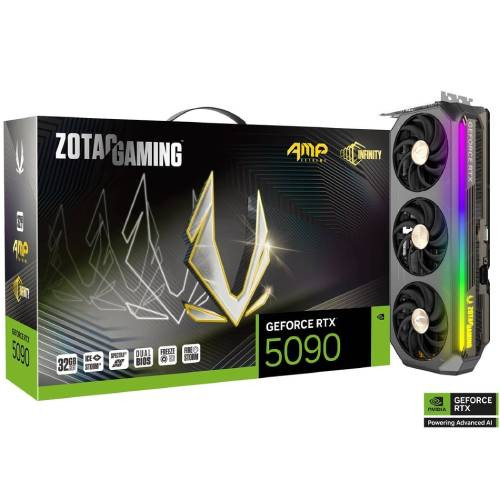 ZOTAC GAMING GeForce RTX 5090 AMP Extreme INFINITY
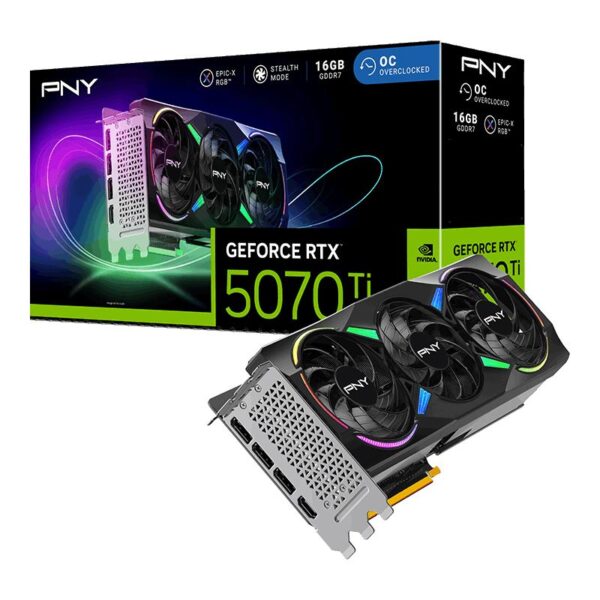 PNY GeForce RTX 5070 Ti 16GB ARGB EPIC-X RGB Overclocked Triple Fan
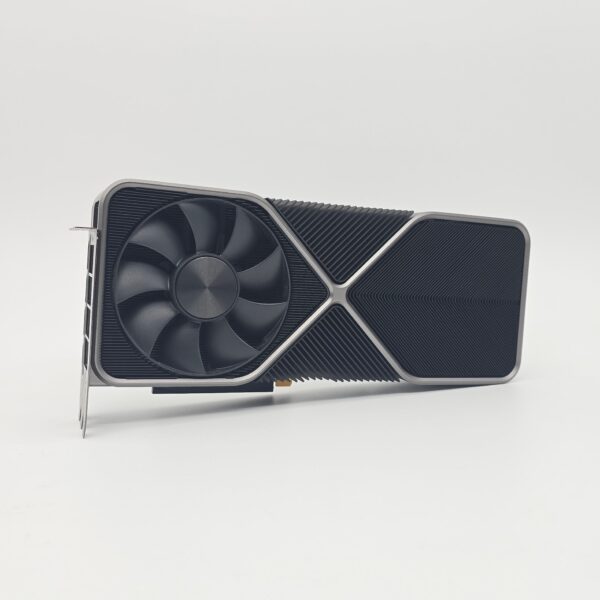 NVIDIA GeForce RTX 3090 Founders Edition 24GB
 Sapphire NITRO+ Radeon RX 7800 XT 16GB